Connect Your Calendar

DIALED syncs with your favorite calendar services to keep everyone on the same schedule. Choose your platform below to get started.

Master Tour Master Tour
Google Google

iCloud iCloud
Outlook Outlook

Master Tour Setup

Connect your Eventric Master Tour schedule to DIALED
1
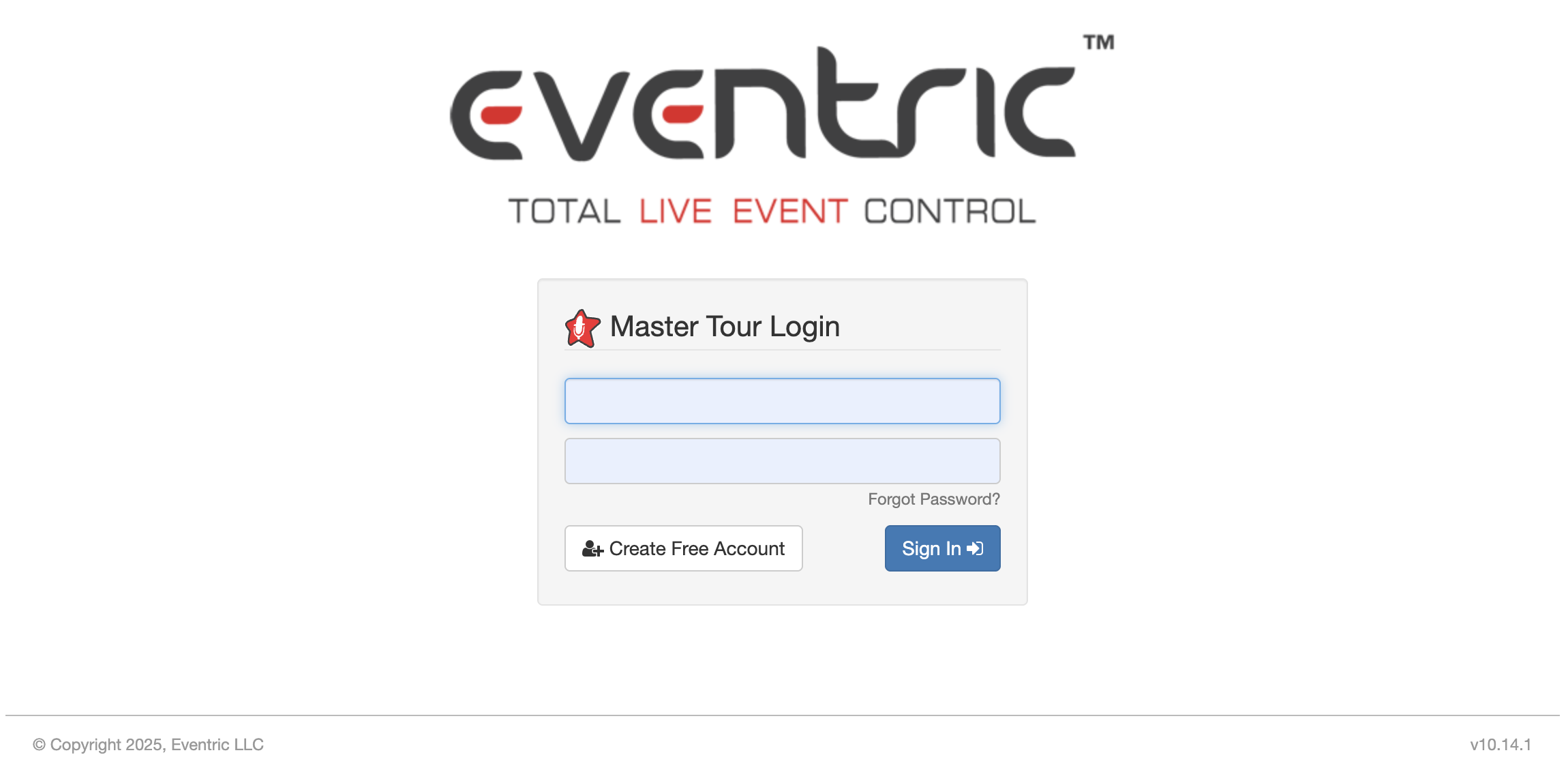
Log in to your Master Tour account at https://my.eventric.com/portal/
Master Tour Login
2
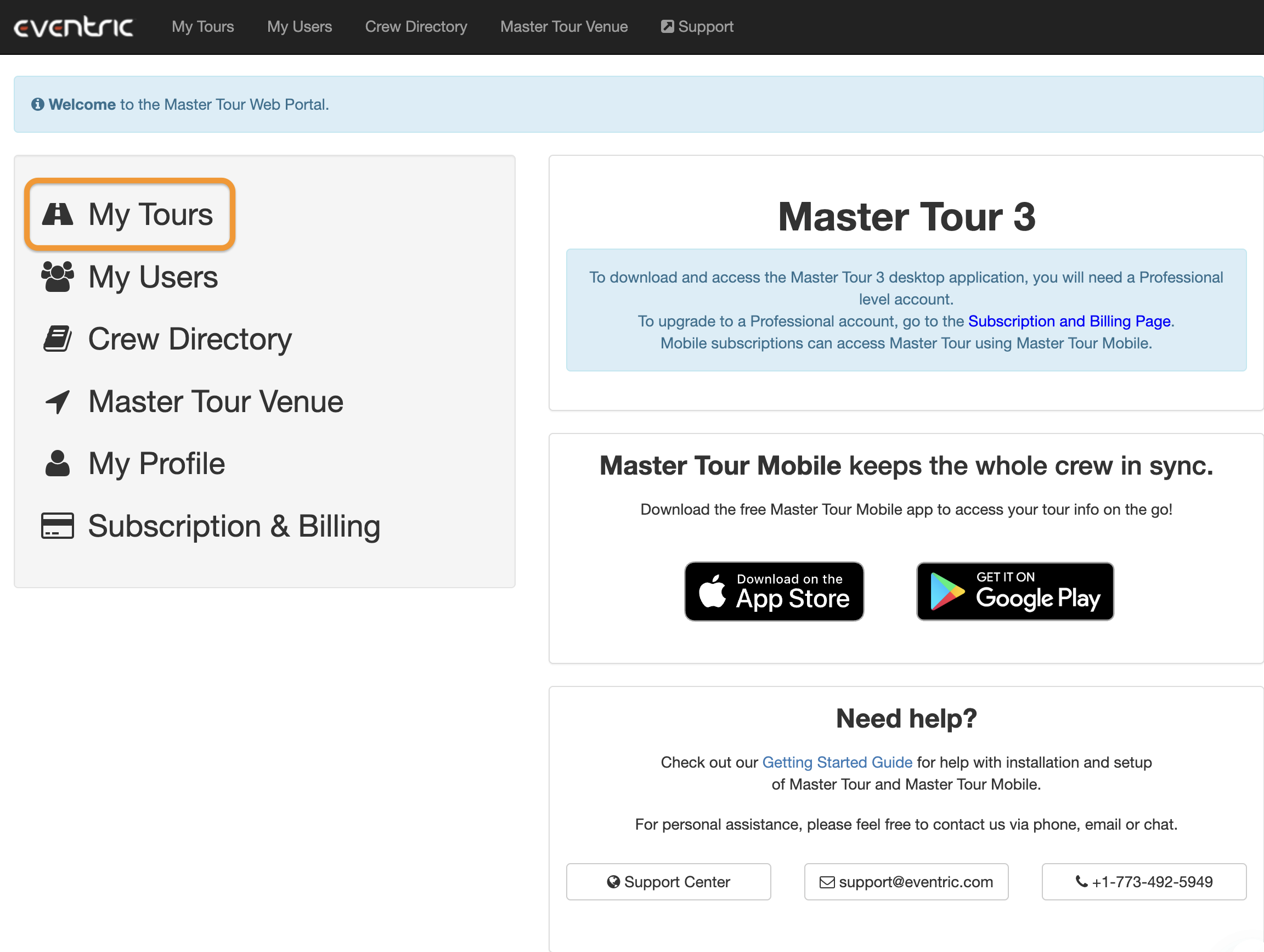
In the top navigation, click My Tours
My Tours Navigation
3
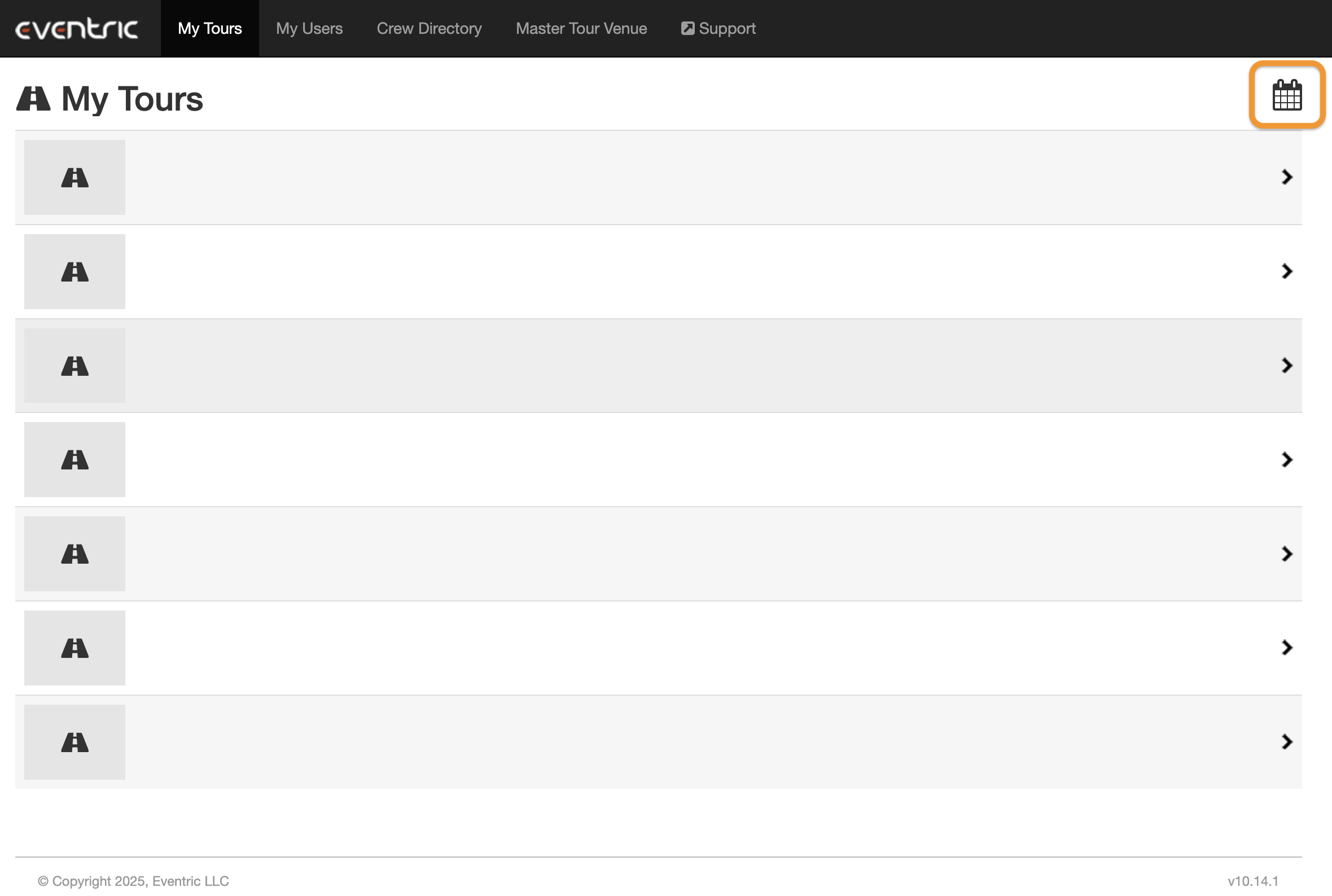
In the top-right corner, click the Calendar icon
Calendar Subscribe Icon
4
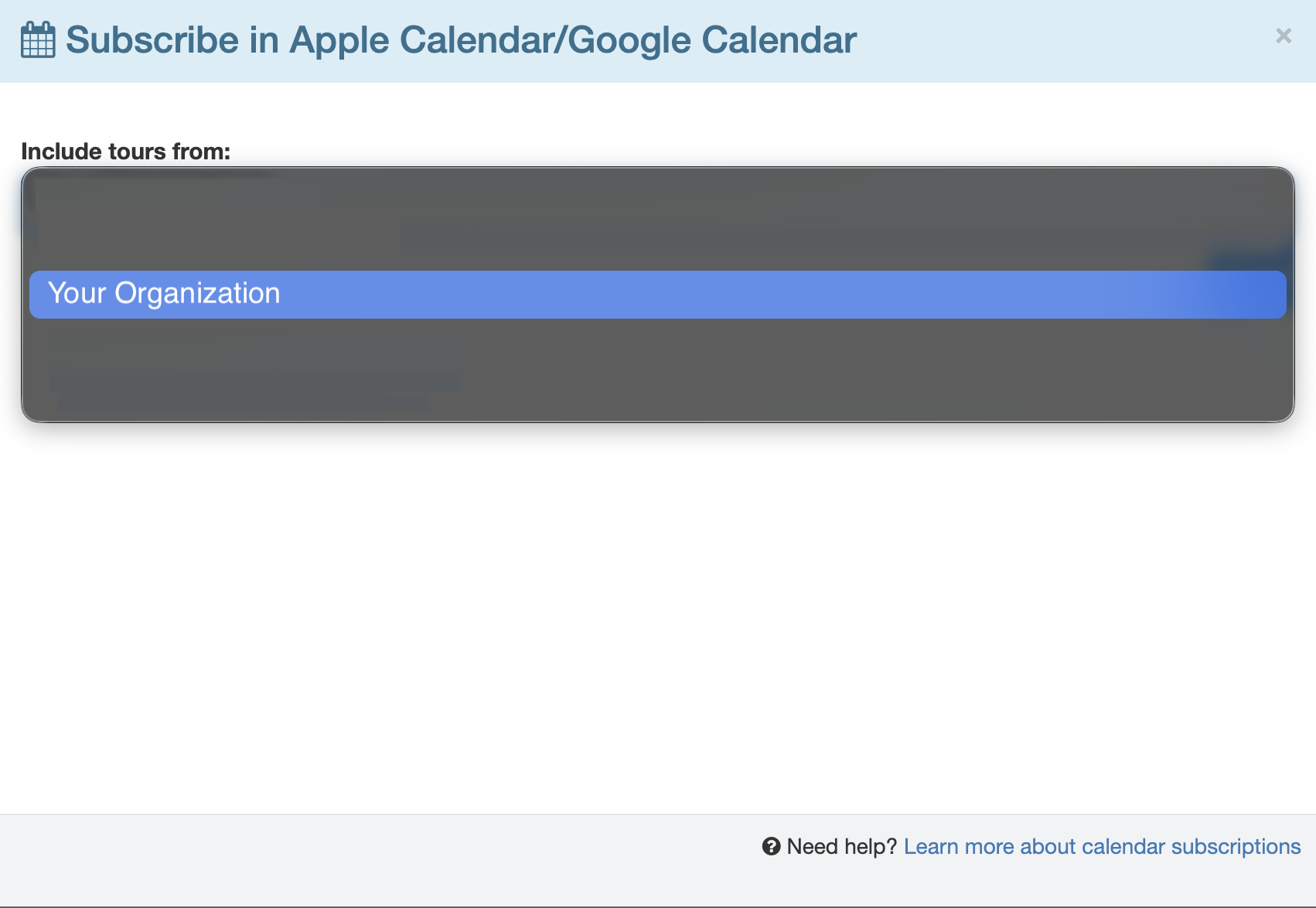
Select your Organization, then select the specific Tour
Organization & Tour Selection
5
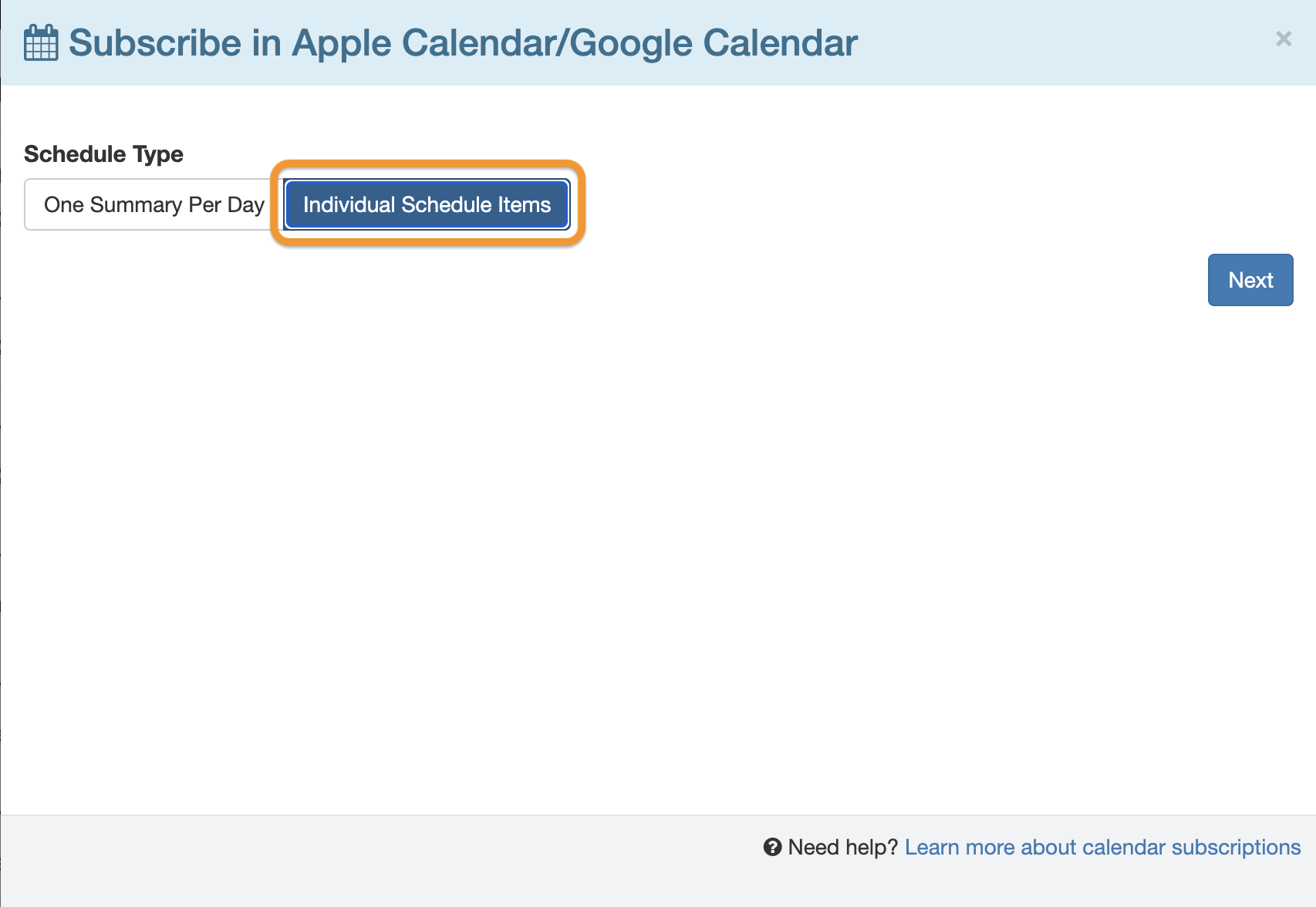
When prompted for Schedule Type, choose Individual Schedule Items (not Summary)
Schedule Type Selection
6
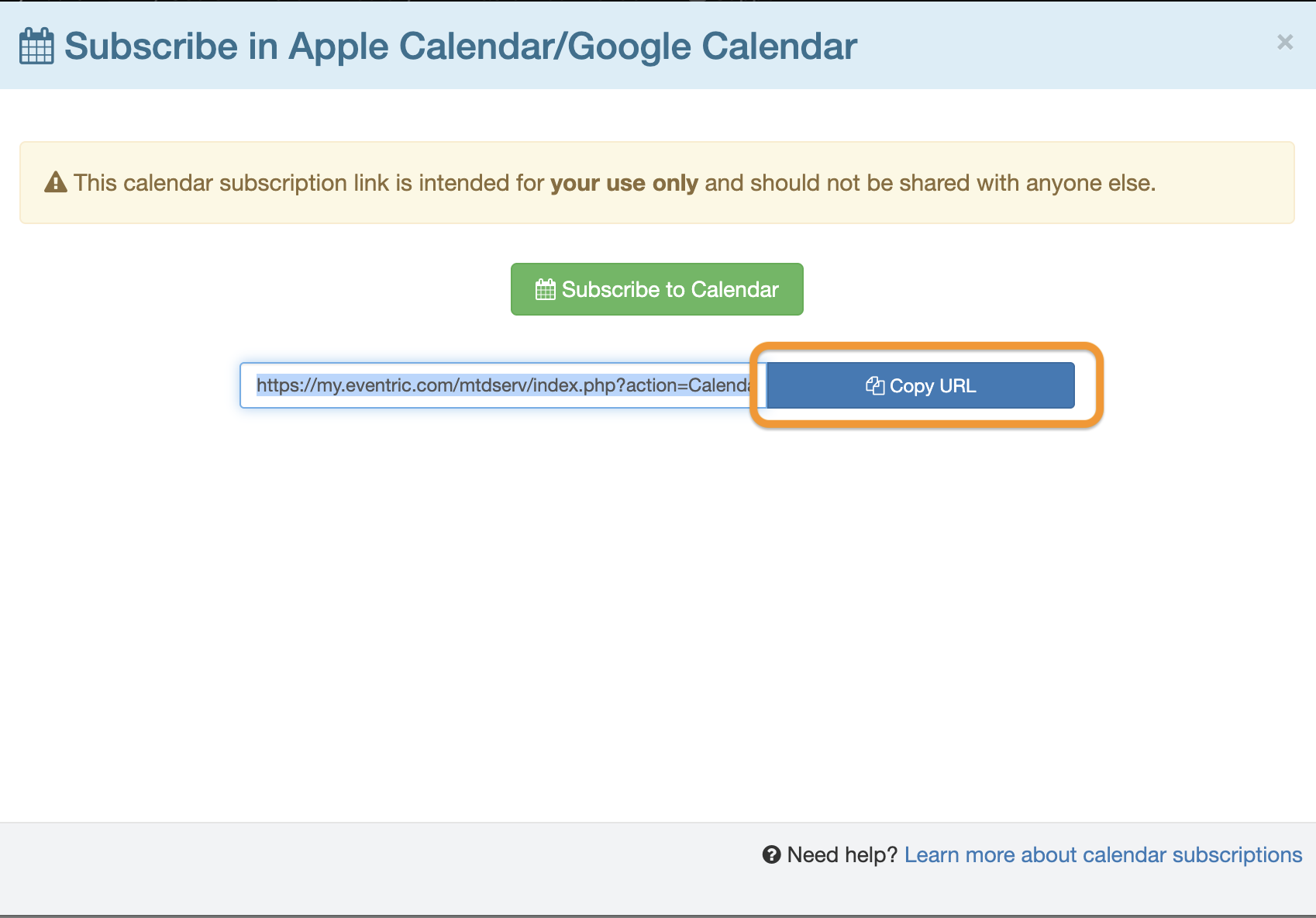
Copy the calendar subscription URL shown on the final screen
Copy Calendar URL
7
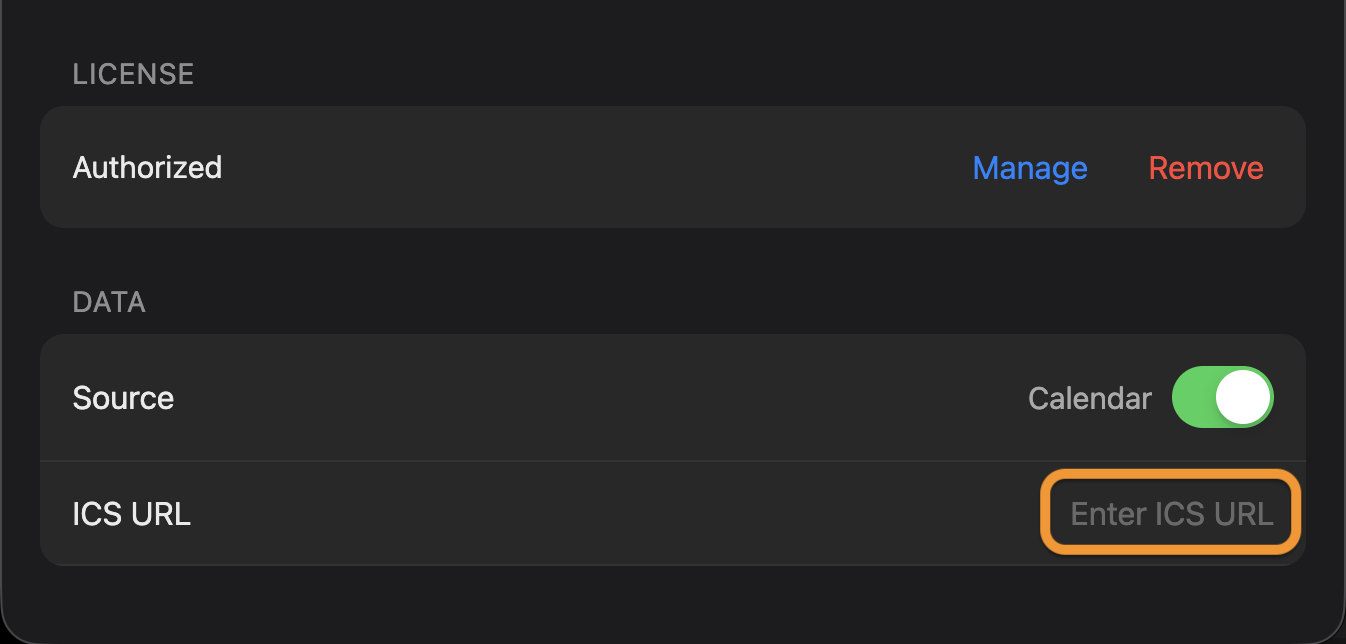
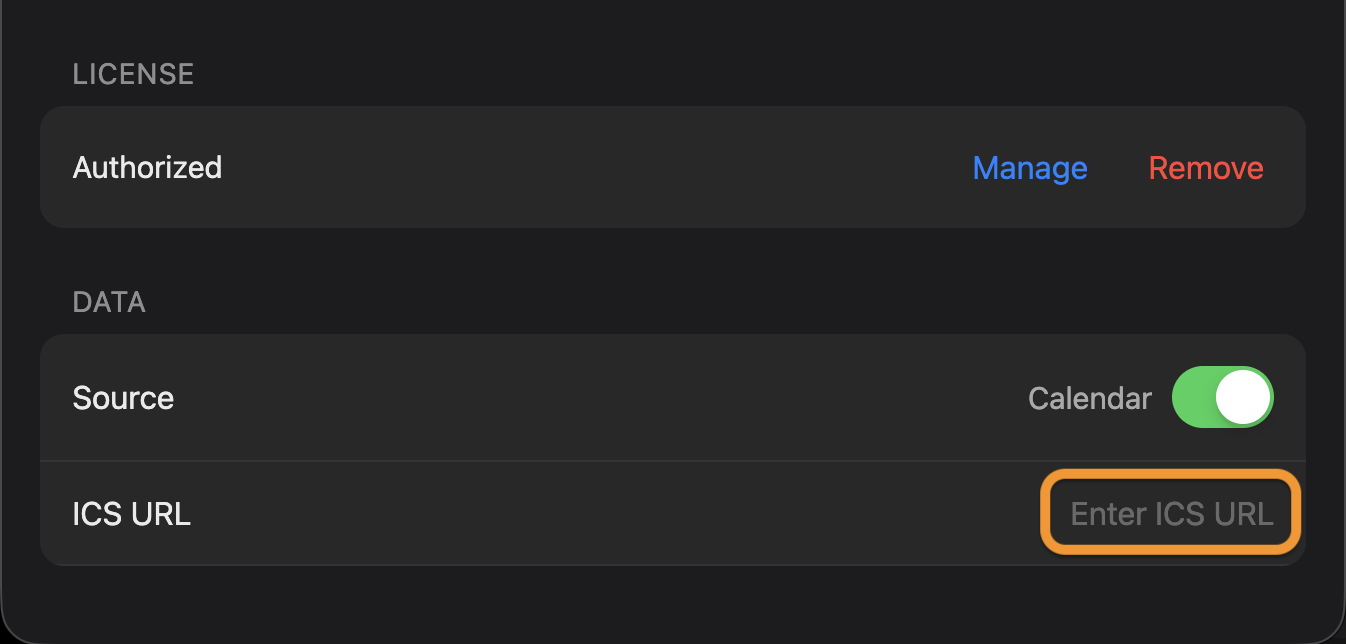
In DIALEDs settings window, change the data source to "Calendar" and paste the copied link into the ICS URL field
Paste Calendar URL

Google Calendar Setup

Sync your Google Calendar events with DIALED
1
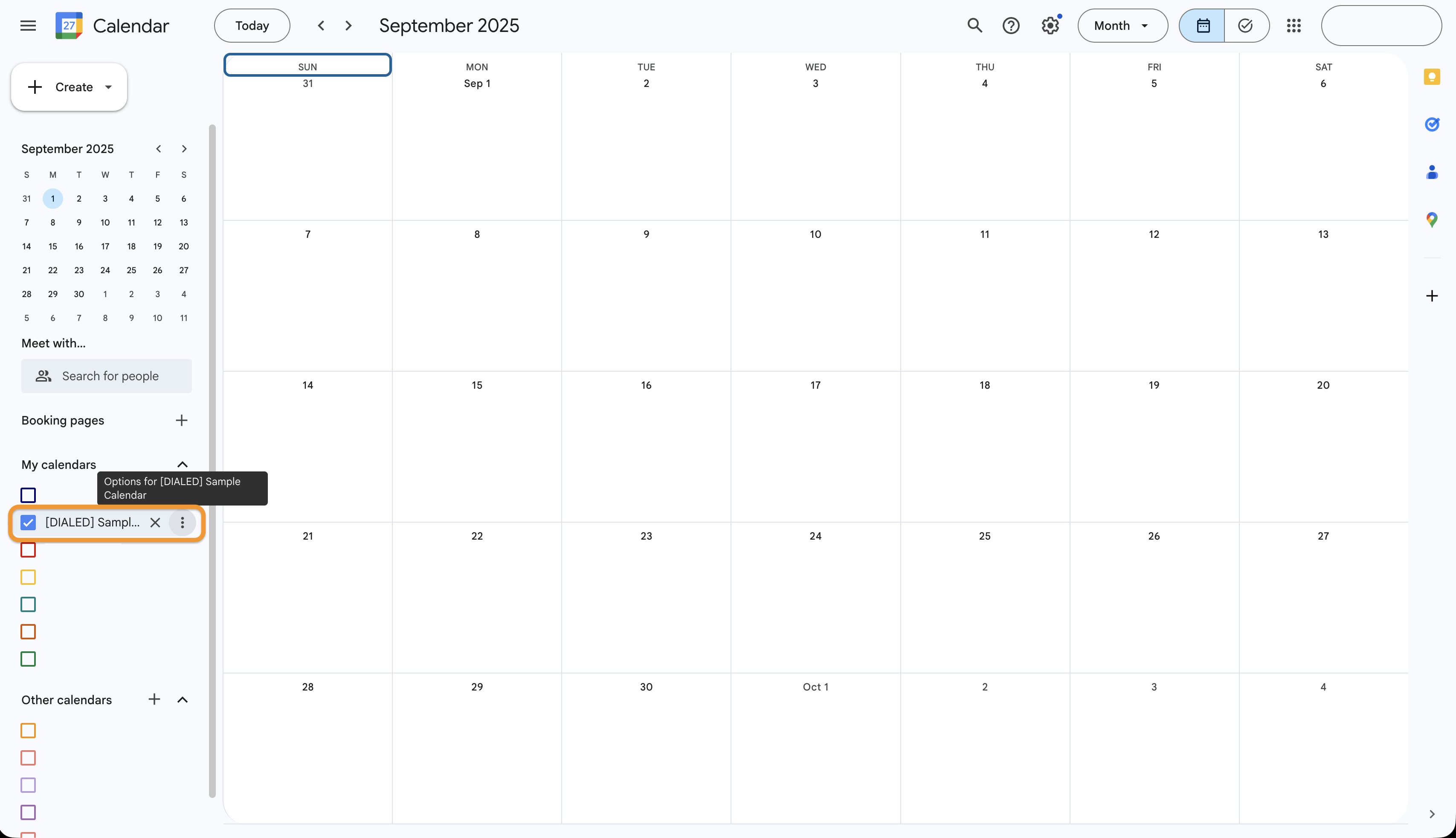
Open Google Calendar and find the calendar you want to share
Google Calendar Homepage
2
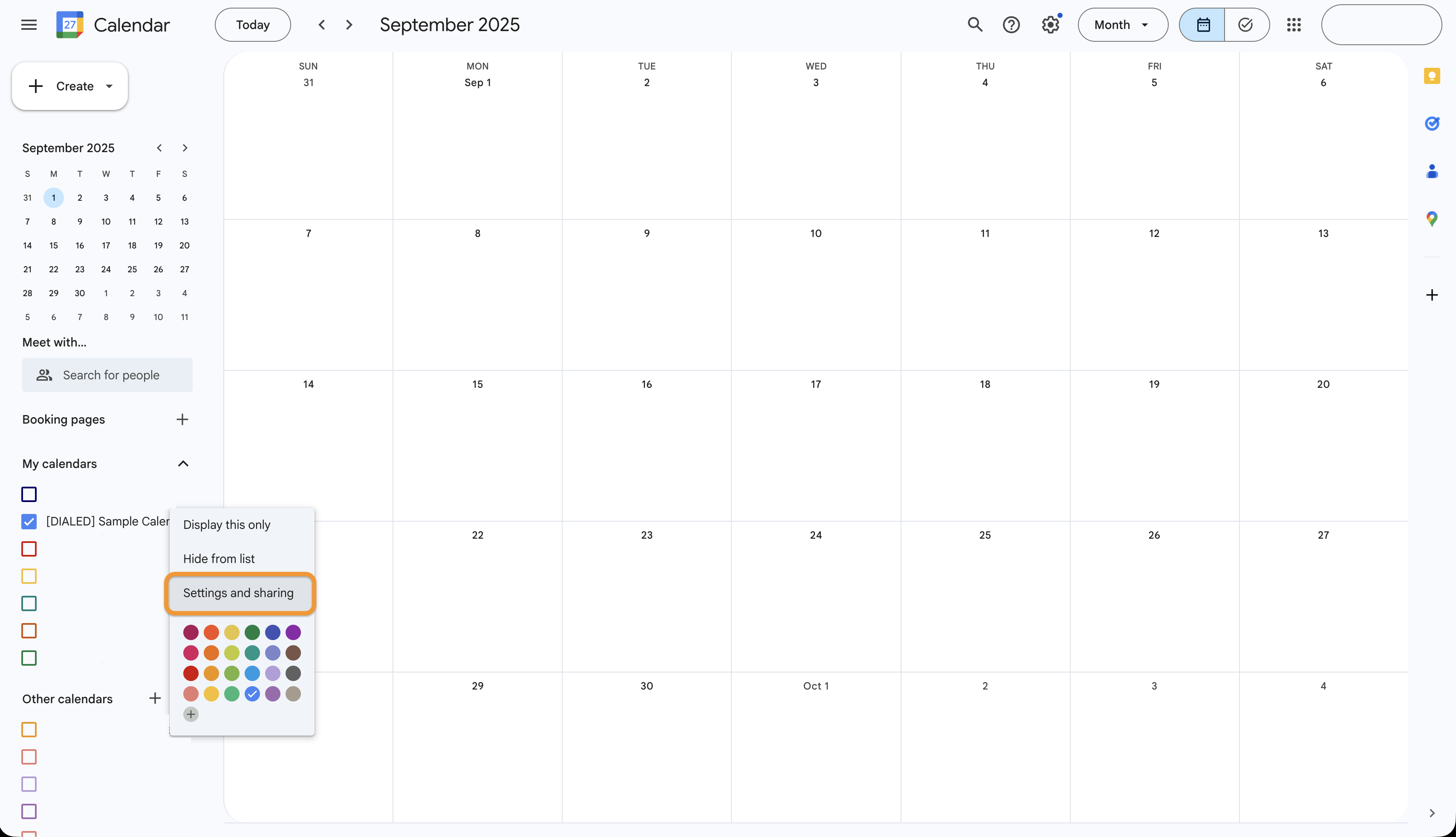
Click the three dots next to the calendar name, then select Settings and sharing
Calendar Menu
3
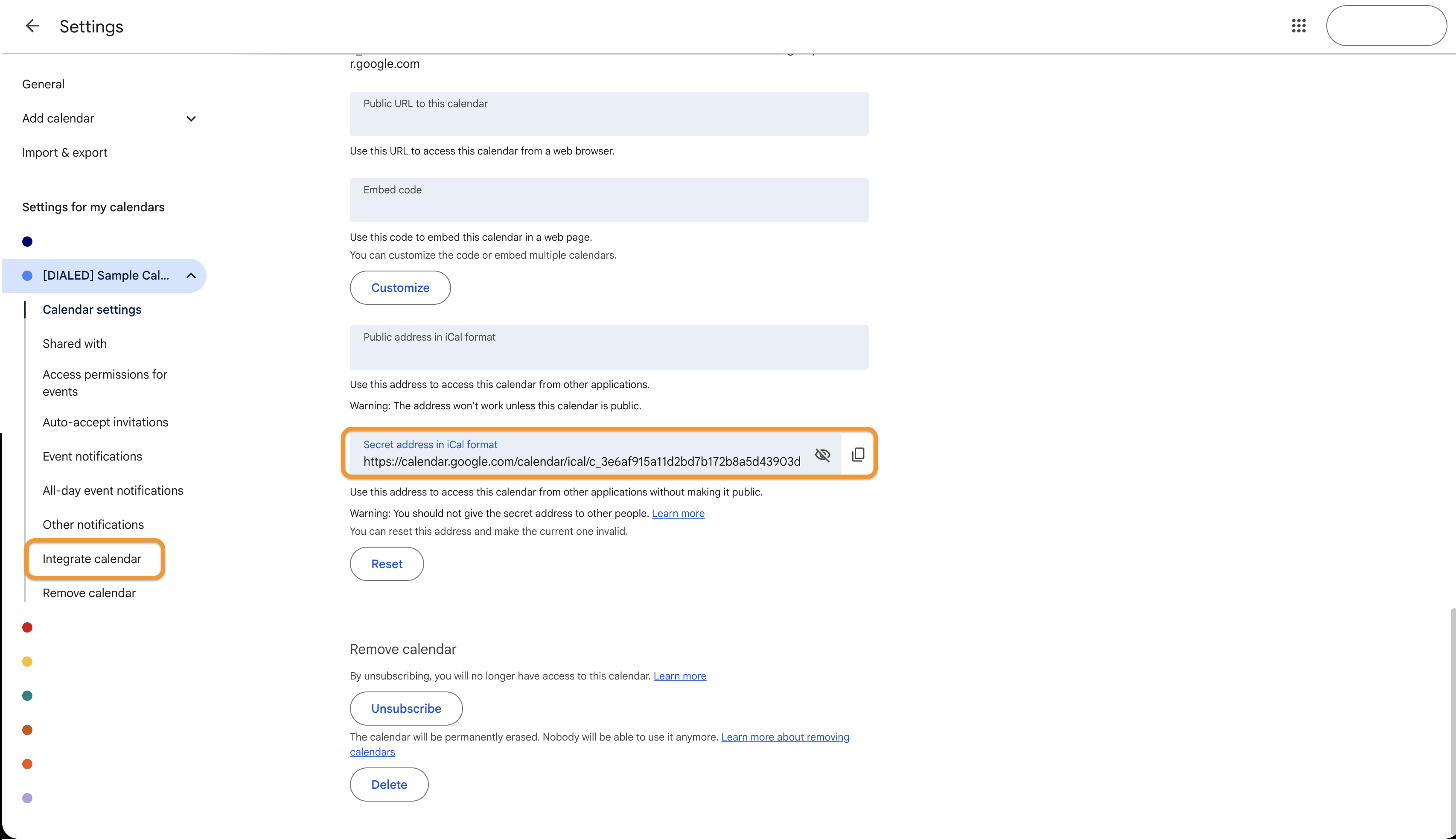
Scroll down to the Integrate calendar section and copy the Secret address in iCal Format
Integrate Calendar Section
4
In DIALEDs settings window, change the data source to "Calendar" and paste the copied link into the ICS URL field
Paste Calendar URL

iCloud Setup

Connect your iCloud calendar to DIALED

1
Open Calendar on your Mac or go to iCloud.com/calendar
2
Click on the calendar name you want to share, then click the share icon (person with a plus sign)
3
Enable Public Calendar toggle
4
Copy the webcal:// URL that appears
5
Change webcal:// to https:// in the URL, then paste it into DIALED's calendar settings

Microsoft Outlook Setup

Sync your Outlook calendar with DIALED

1
Open Outlook Calendar in your web browser
2
Right-click on the calendar you want to share in the left sidebar
3
Select Sharing and permissions
4
Under Publish this calendar, click Publish this calendar
5
Copy the ICS link (not HTML link)
6
Paste the ICS URL into DIALED's calendar settings and click Connect